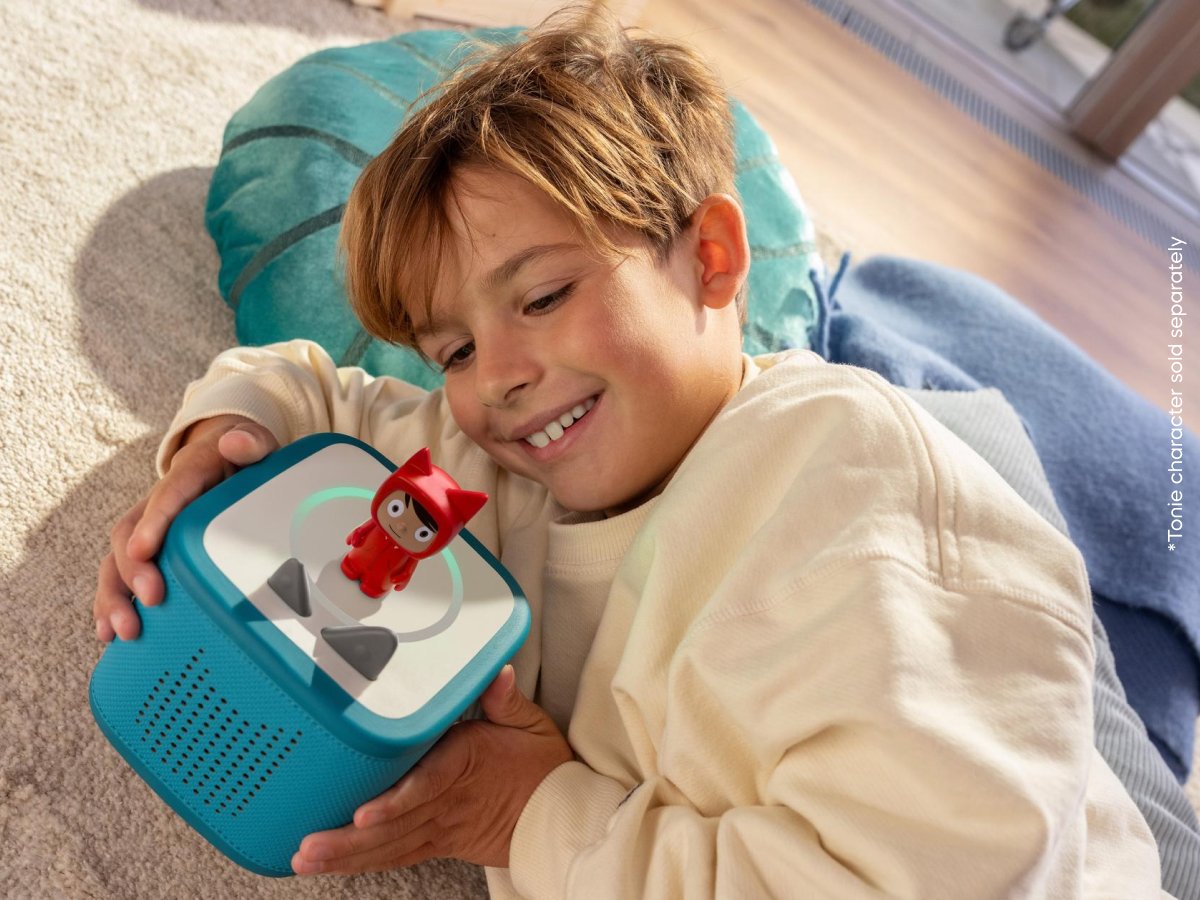
How to Set Up Your Toniebox 2?
How do I set up my Toniebox 2?
Before you can get started, your Toniebox 2 needs to connect to your Wi-Fi. It’s quick and easy:
- Plug in the Toniebox 2 using the supplied USB-C cable to power it.
- Download the tonies® app and log in.
-
To begin setting up your Toniebox 2, tap "Me" in the bottom right corner, then tap the "+" next to Tonieboxes.
After a few minutes, you can unplug it and complete the setup. It will be ready to play in no time!
Important: The Toniebox 2 must be used with a certified Class II power supply (marked with this symbol: [IEC 60417 symbol]) and a power supply that provides 5 V DC (1–1.5 A) .
Using incompatible chargers may damage your Toniebox or its accessories.
Pixel Phone users: The setup will ask you to share contacts and call history. Please disregard, leave it off. The setup will still proceed.
Toniebox 2: Setup troubleshooting
If you are experiencing any issues with your Toniebox 2 Setup, we always recommend following the steps below before reaching out to us:
- Step 1 - Wait a minute: We recommend waiting a few more minutes for the Toniebox 2 to work everything out.
- Step 2 - Restart: If waiting didn't work, your next step is to restart . You can think of this as turning the Toniebox 2 off and on again. Then, try the setup process again.
- Step 3 - Factory Reset: If you are still unable to connect, we suggest performing a factory reset through the app.
For in-app guidance on a factory reset (ensure your tonies® app is updated to the latest version) :
1. Open the tonies® app and log in to your account.
2. Go to “Me” and select your Toniebox 2.
3. Tap “Settings” (top right corner).
4. Scroll down and select “Factory reset instructions”.
Once completed, please go to your device's Bluetooth settings and ensure the Toniebox 2 is removed before setting it up again.
If this hasn't solved your issue, don't worry, check out the most common Toniebox 2 Setup Troubleshooting tips below...
How do I restart the Toniebox 2?
Although not often, if your Toniebox 2 isn't working as it should, the best way to get it up and running again is to restart it. Don't worry, it's very simple to do:
- Make sure the Toniebox 2 is turned on and not plugged into the mains.
- Pinch both ears until the Toniebox enters its sleep light with the timer setting.
- Keep pinching to restart it. This can take anywhere from 20 seconds to 1 minute.
- You'll know the Toniebox 2 has reset when you see the Welcome Lights.